 AtlasLeads
Help signing in
AtlasLeads uses Google to check who you are when you sign in. Your office must arrange your AtlasLeads access. Creating a Google account alone does not give you access to AtlasLeads.
Use the email address confirmed with your office
If you received a welcome email, your sign-in address is shown there. You can use an existing Hotmail, Outlook or other email address with Google. You don’t need a new Gmail address. The Google account you choose must use this exact email address.
Already use this address with Google?
Open AtlasLeads, select Continue with Google and choose the Google account with your confirmed email address. If Google shows a different account, choose the option to use another account.
Open AtlasLeadsCreate a Google account with your existing email
Create a Google accountOpen Google’s account creation page. If asked who the account is for, choose personal use. Enter the basic information Google asks for.
Choose Use your existing email. Some screens let you enter an existing address directly. Enter the email address confirmed with your office, even if Google also offers a phone-number option. Do not create a different Gmail address.
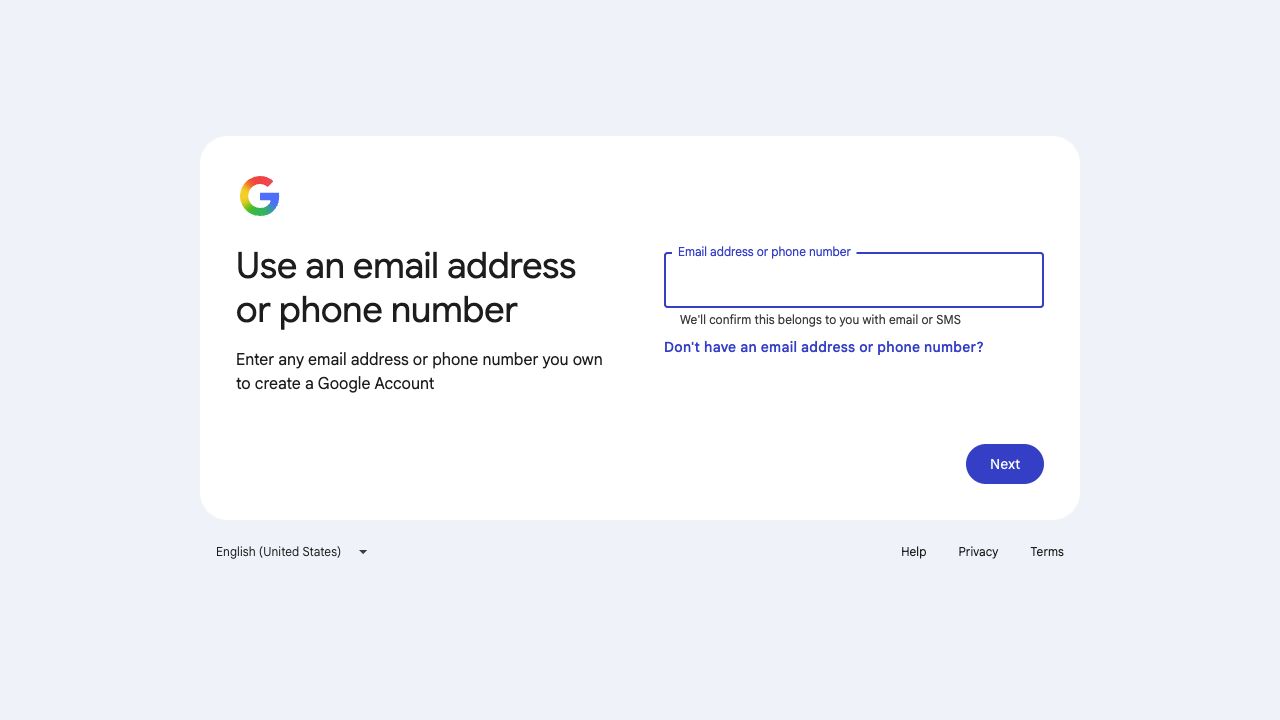
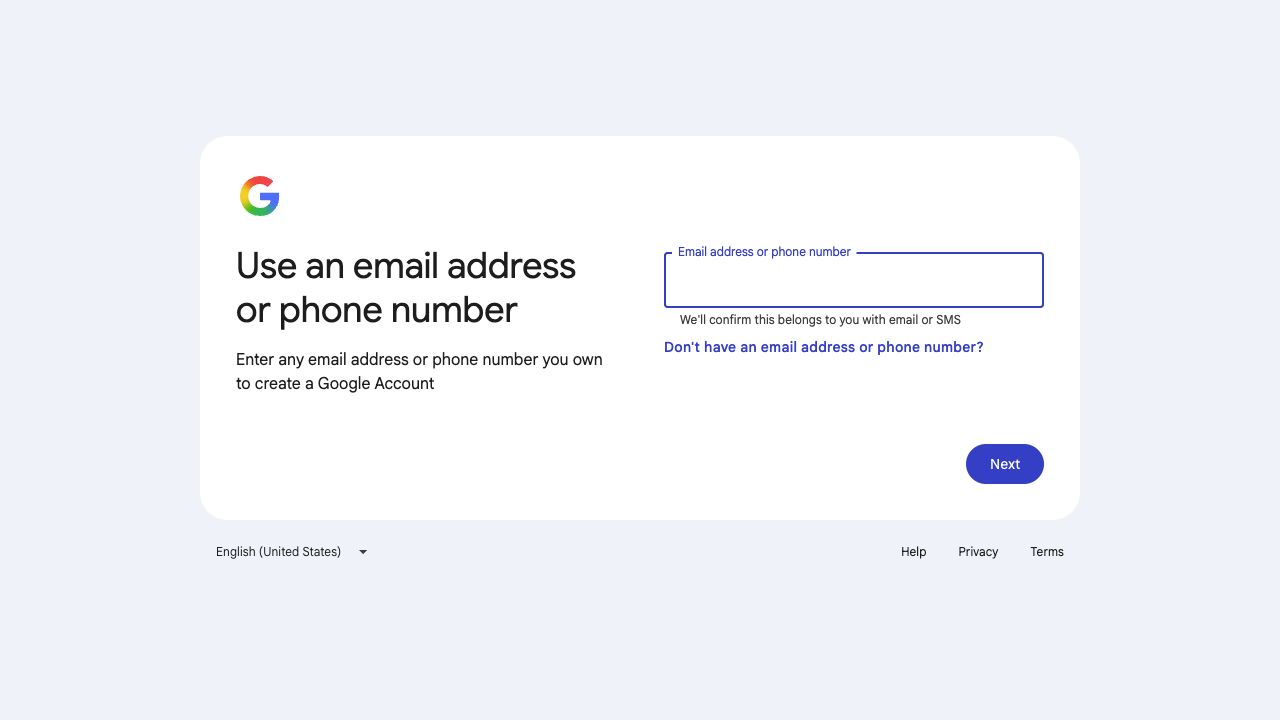
On this Google screen, enter your confirmed email address. Google’s screens can vary; you may first need to select Use your existing email. Open your existing mailbox and enter the verification code on Google’s page. If the email is missing, check your spam folder and the address you entered.
Follow Google’s instructions to create a password and finish setting up the Google account. Enter passwords and verification codes only on Google’s pages, never in AtlasLeads or in an email to your office.
Return to AtlasLeads, select Continue with Google and use the account with that same email address.
Still need help?
Google says this address is already used
You may already have a Google account with this address. Try signing in or follow Google’s account recovery instructions instead of creating another account.
You forgot your Google password
Use Google’s account recovery. Your office cannot reset your Google password.
Not sure which email address to use?
Contact your manager or office to confirm the email address you should use to sign in to AtlasLeads. You can do this even if you haven’t received a welcome email.
Google sign-in works, but AtlasLeads won’t let you in
Check that you chose the address confirmed with your office. If it is correct, contact your manager or office to check your AtlasLeads access.